Teams on Studio: what owners, editors and viewers can do
Invite up to 5 people into your projects as editors or viewers. What each role can do, whose credits are used and who owns the videos.
How a team works
A team is part of the Studio plan. The person on Studio is the owner. The owner invites people into a project, and they work there with the owner’s credits, styles and settings. Every video they make belongs to the owner and stays in the owner’s project.
- Up to 5 people across all your projects. A person in three of your projects takes one seat. A pending invite takes a seat too, until it’s accepted, cancelled or expires.
- 5 renders at once for the whole team, the owner included.
- Team members don’t need a plan of their own. A free account is enough.
Open a project and you see the tabs Videos, Team, Activity, Stats and Settings. Only the owner sees them.
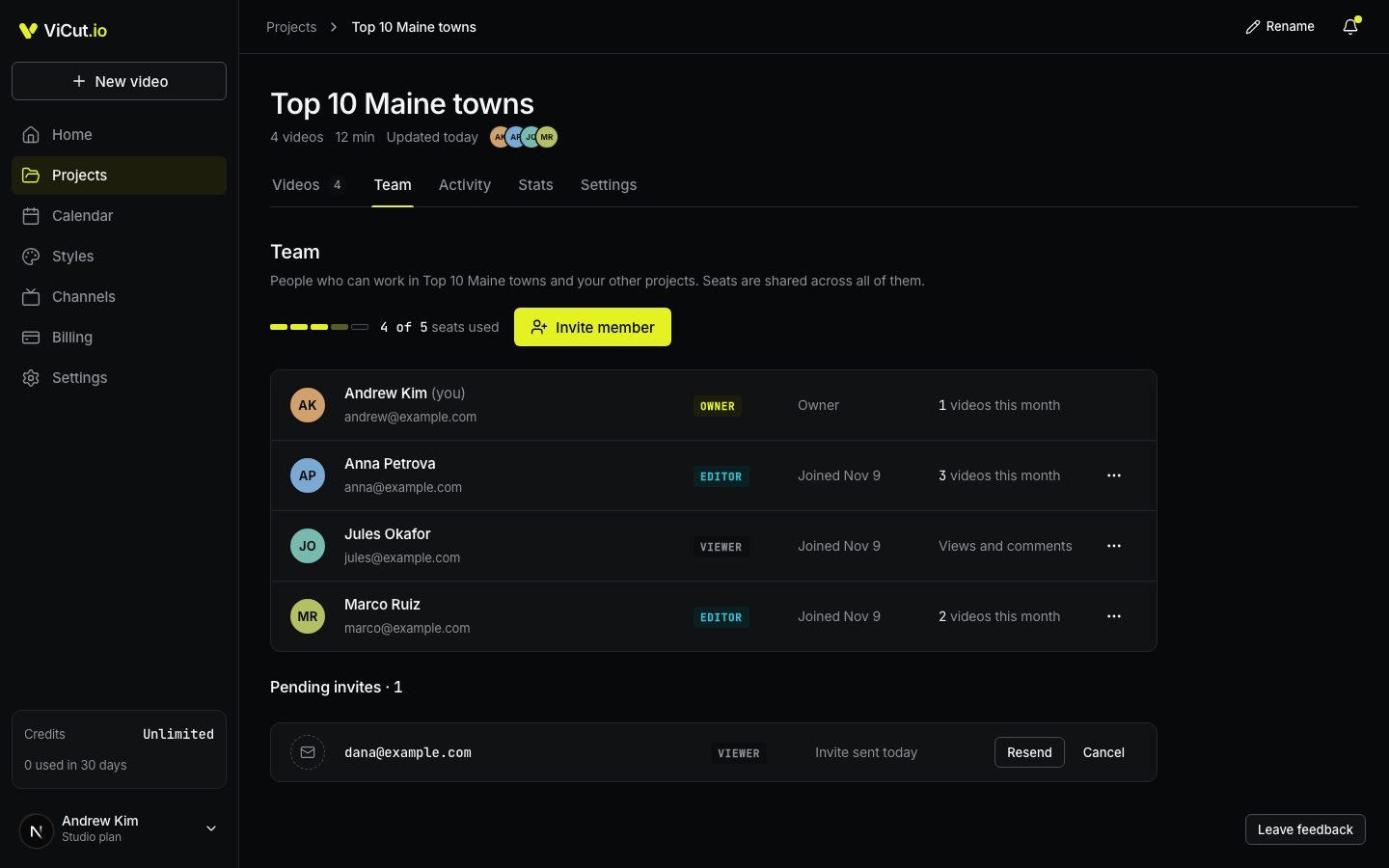
Roles
| Owner | Editor | Viewer | |
|---|---|---|---|
| Watch storyboards and videos | Yes | Yes | Yes |
| Add notes to scenes | Yes | Yes | Yes |
| Download finished videos | Yes | Yes | Yes |
| Start, edit and render videos | Yes | Yes, with the owner’s credits | No |
| Delete videos | Any video | Only their own | No |
| Restore deleted videos | Yes | No | No |
| Approve storyboards | Yes | No | No |
| Invite and remove people, change roles | Yes | No | No |
| Project settings, channel kit, billing, channels | Yes | No | No |
Editors use the owner’s credits: every video an editor prepares or renders is paid from the owner’s balance. See Team credits, activity and stats.
Without Studio
On Starter or Creator the Team, Activity and Stats tabs show a lock. Upgrade to Studio opens the plans.
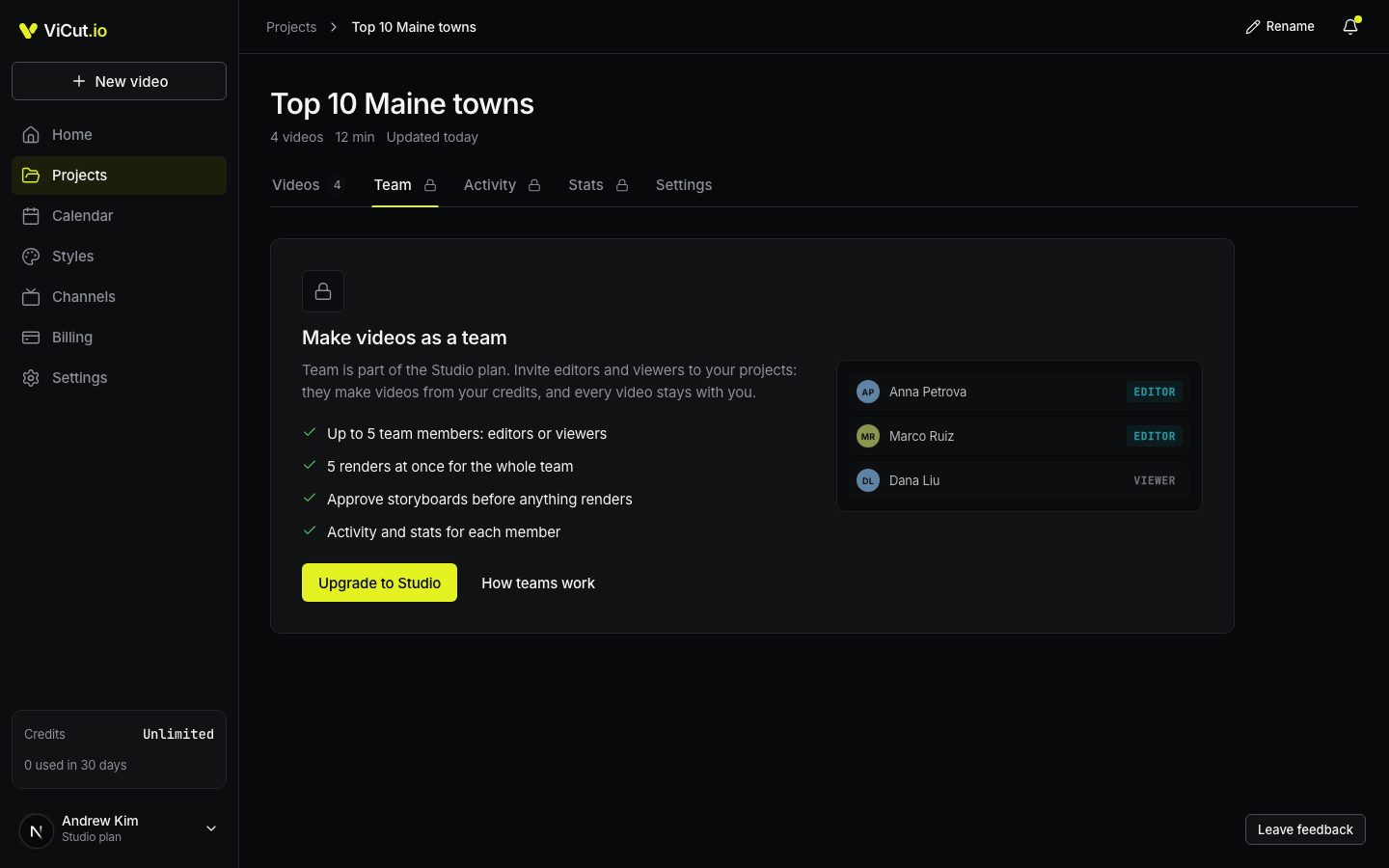
What a team member sees
A team member works in the owner’s projects only. The sidebar shows the team’s credits, and the switcher at the top shows whose team they are in. Someone without a plan of their own doesn’t see Billing or Channels, and can’t create projects: the owner manages projects and billing.
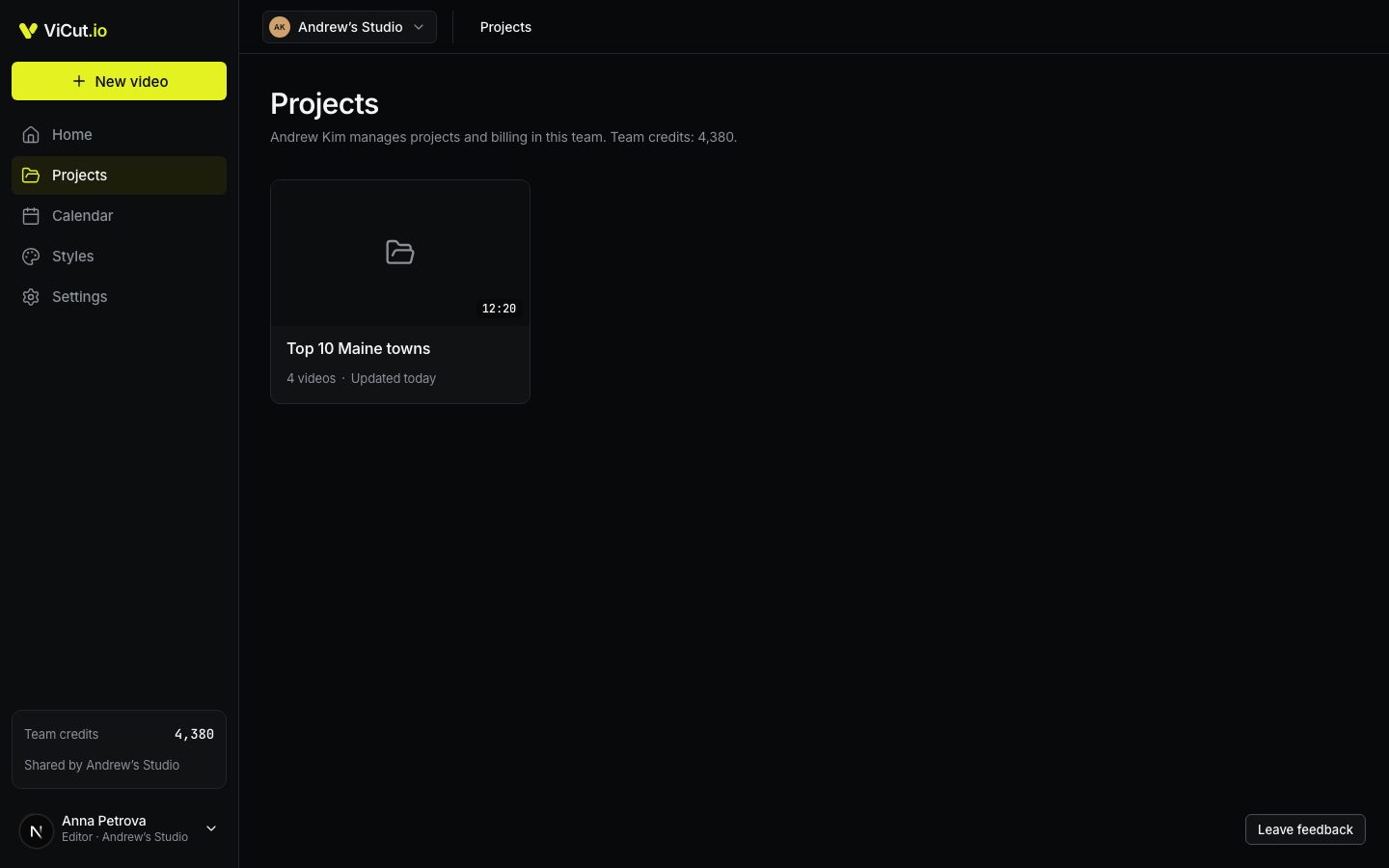
Someone who is in several teams, or has their own plan too, switches between them at the top. See Working in several teams.
When Studio ends
- The owner cancels Studio. The team keeps working until the end of the paid period. The Team tab shows the end date and Keep Studio.
- A payment fails. For the next 7 days the team can only watch and download: editors can’t change or render anything. If the payment still hasn’t gone through, the team loses access.
- After that, team members no longer see the owner’s projects. All videos stay with the owner, including the ones editors made.
Write to us — a person reads every message and replies by email.