Replace a photo or clip
Pick one of the alternatives, search the footage libraries yourself or upload your own photo or video for any scene.
Every scene comes with several candidates. You can swap the frame as often as you like before rendering; it costs nothing.
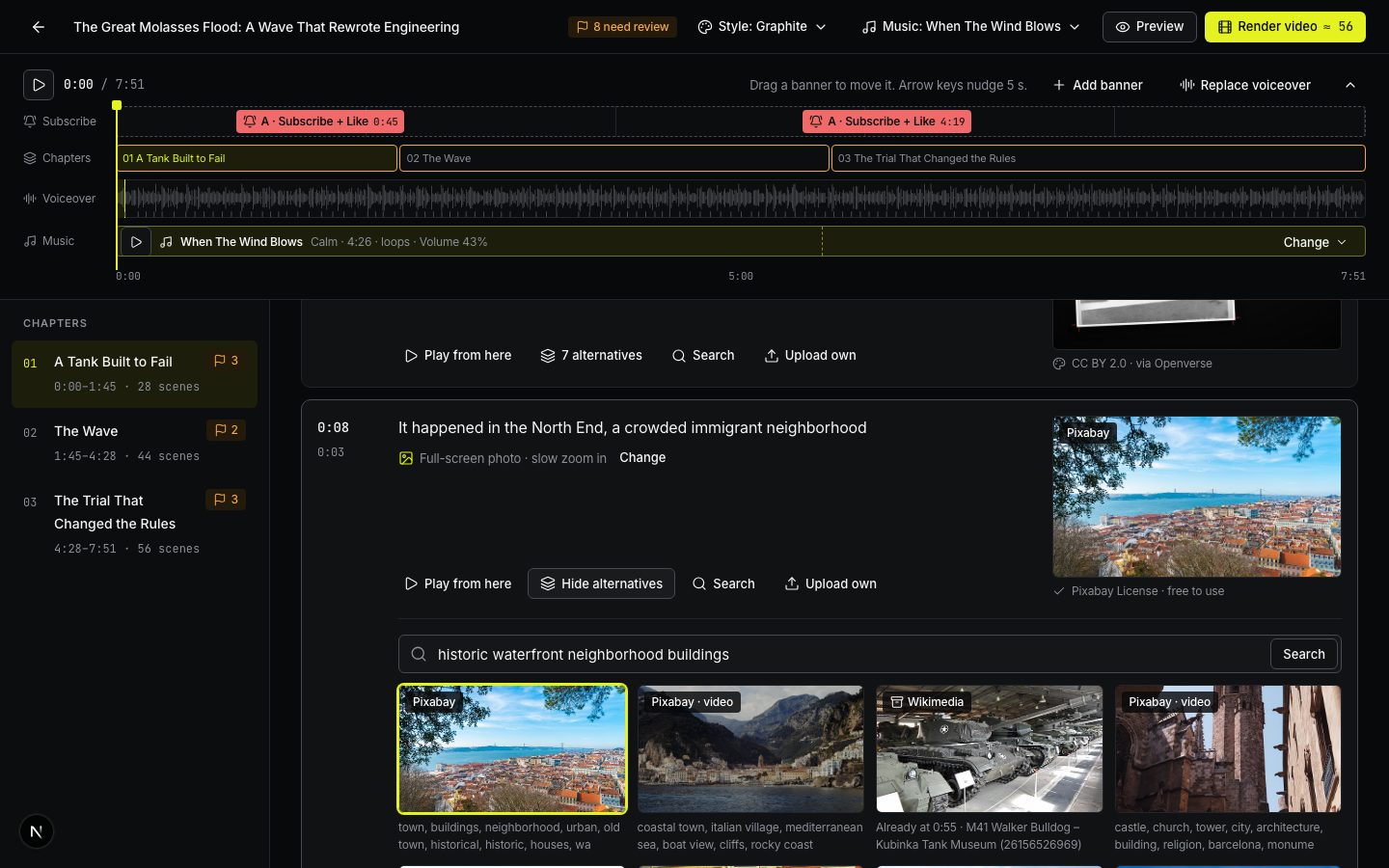
Pick an alternative
- On the scene, press N alternatives.
- Up to 8 frames open under the scene. Each shows its source and license.
- Click a frame to use it.
A frame already used elsewhere says Already at m:ss, so you don’t repeat a photo by accident. Clips are marked video.
Search for another frame
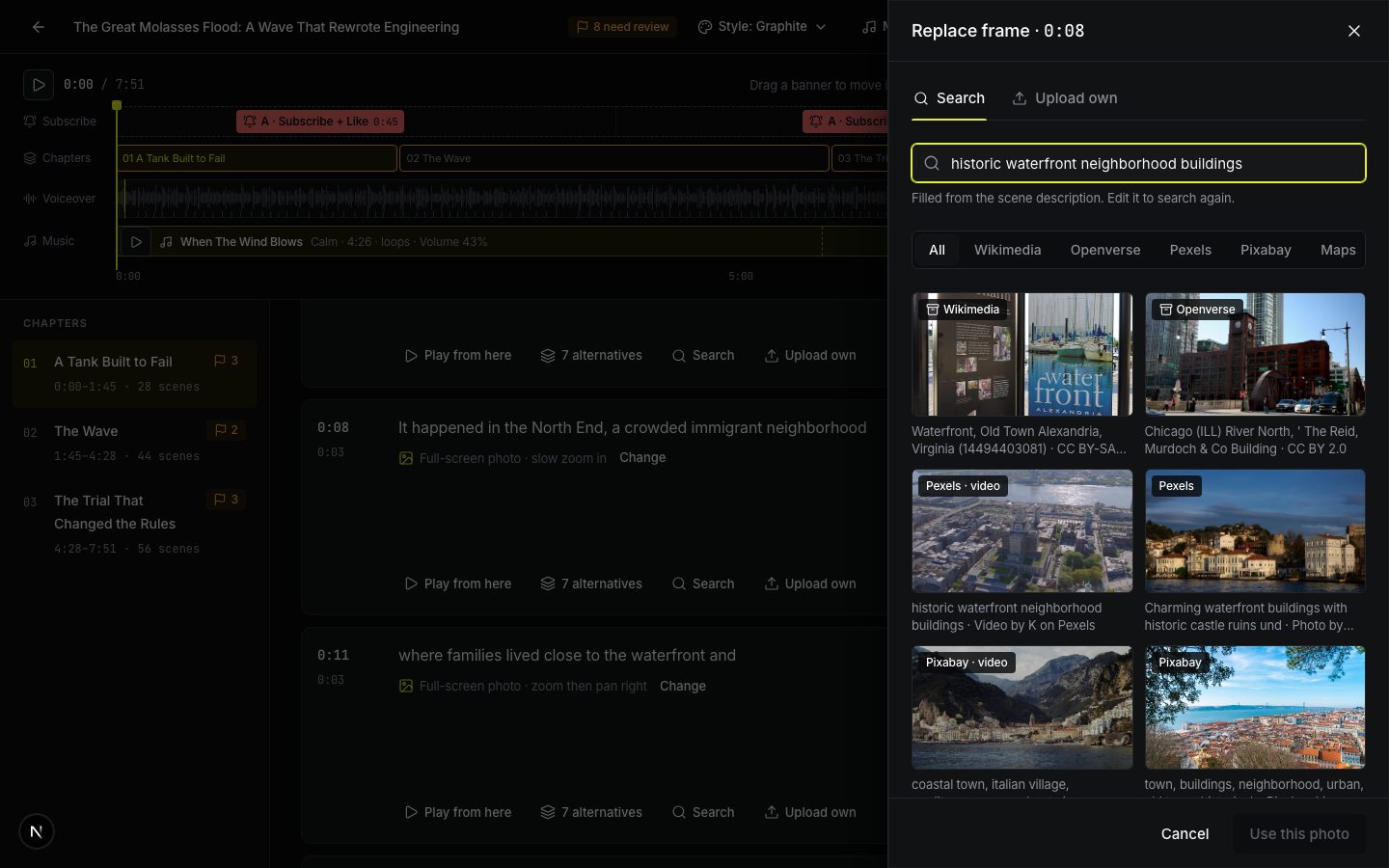
Press Search on the scene. The Replace frame panel opens with a search box already filled from the scene description.
- Edit the words. Short, concrete searches work best: a place and an object, like *“Houlton Maine main street”* or *“potato harvest 1950s”*.
- Pick a source, or keep All: Pexels, Wikimedia, Openverse, Pixabay, NASA for space imagery, or Maps for maps of the place.
- Click a result, then Use this photo (or Use this clip).
Upload your own
In the same panel, open the Upload own tab.
- Photos: JPG, PNG, WEBP, TIF. Video: MP4, MOV. Up to 100 MB. Your files count toward your plan’s space for uploads.
- Tick I have the right to use these files in a published video. You are responsible for the rights to your own files.
- Press Use this upload.
Where the footage comes from
| Source | What it is | Credit needed |
|---|---|---|
| Web · not licensed | Real photos of the people and places your script names, from news and reference pages (Web photos in the composer) | Not licensed: the site owns it, your risk; flagged on the storyboard, the page goes into your credits |
| Pexels | Modern stock photos and clips — our main source | No, but appreciated |
| Wikimedia Commons | Archive and historical photos, public domain or Creative Commons | Usually yes |
| Openverse | Creative Commons photos from many sites | Usually yes |
| Pixabay | Modern stock photos and clips | No |
| USGS | Historical topographic maps, public domain | No |
| NASA | Space imagery: planets, missions, telescopes; public domain | No, but appreciated |
Apart from web photos, ViCut only uses licenses that allow commercial use and editing: no NonCommercial or NoDerivatives licenses. Where a credit is required, it goes into Copy credits on the video page; paste it into your YouTube description. See Thumbnails and YouTube details.
Write to us — a person reads every message and replies by email.