Invite and remove team members
Send an invite by email, choose editor or viewer, accept an invite, change a role or remove someone from a project.
Invite someone
- Open the project and the Team tab.
- Press Invite member.
- Type one or more emails, separated by commas.
- Choose Editor or Viewer.
- Press Send invite.
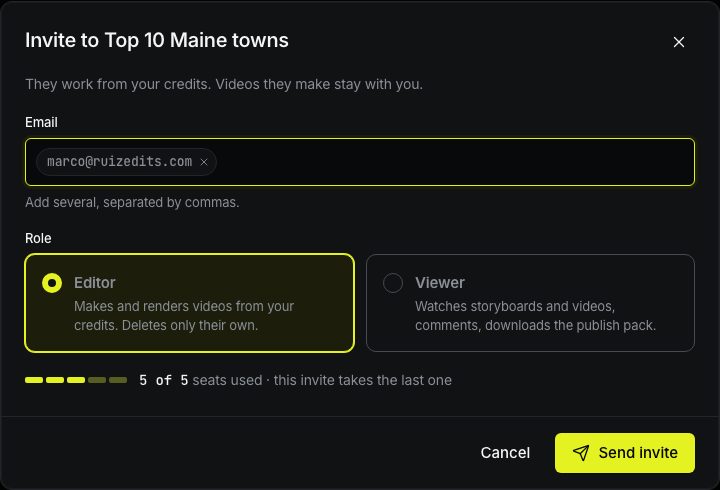
Each person gets an email with a link. The link works for 7 days and only for the email it was sent to. Until it’s accepted, the invite is listed under Pending invites and takes a seat.
- Resend sends the email again with a new link and a new 7 days. The same address can get a new email once an hour.
- Cancel cancels the invite: the link stops working and the seat frees up.
Invites are made per project. To let someone work in two of your projects, invite them in each. They still take only one seat.
When all seats are taken
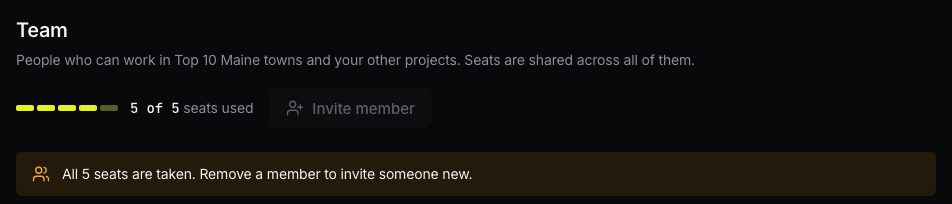
Studio has 5 seats. When people and pending invites fill them, Invite member is disabled. Remove someone or cancel a pending invite to free a seat.
Accept an invite
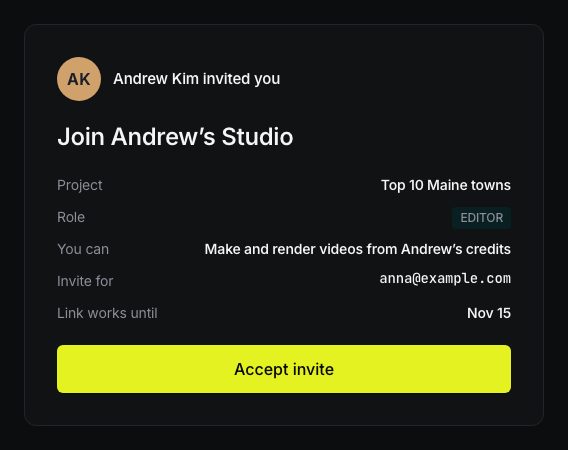
Open the link from the email. You see who invited you, the project, your role and until when the link works. Press Accept invite.
- Not signed in? You sign in, or create a free account with the same email. You don’t need a plan of your own.
- After that, the project opens. Next time, find it under Projects in that owner’s team.
If the link doesn’t work
| You see | What to do |
|---|---|
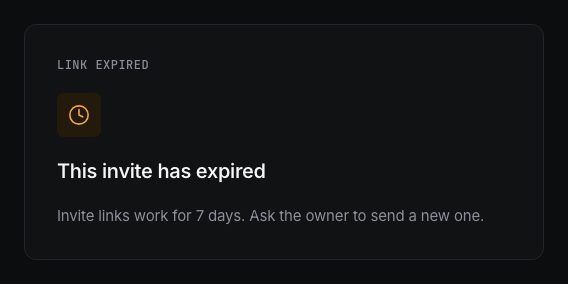
| This invite has expired | Links work for 7 days. Ask the owner to press Resend. |
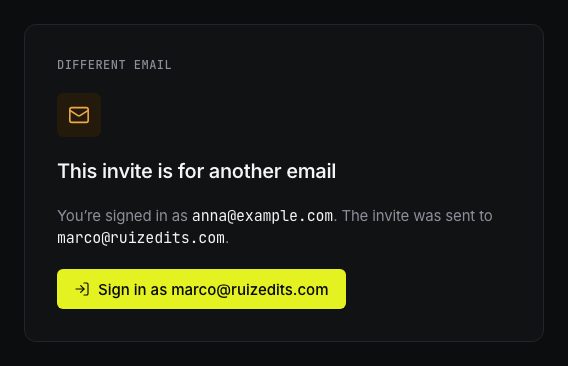
| This invite is for another email | You’re signed in with a different address. Press Sign in as … and use the email the invite was sent to. |
| This invite was cancelled or already used | Ask the owner for a new invite. |
| This team is no longer active | The owner’s Studio plan has ended. |
Change a role or remove someone
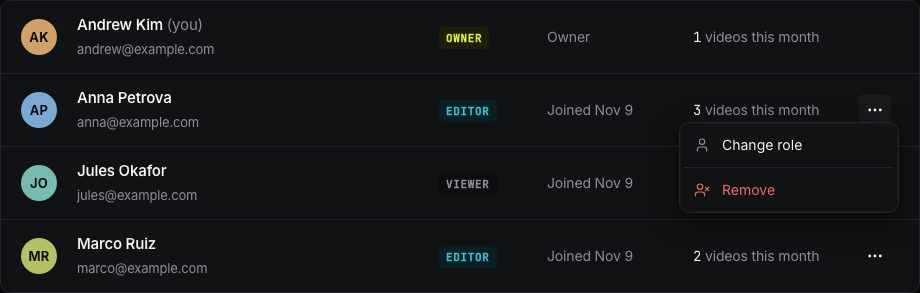
On the Team tab, open the … menu next to a person.
- Change role: switch between editor and viewer. It works right away.
- Remove: they lose access to this project right away, and we send them an email. Videos they made stay in your project. If they also work in your other projects, remove them there too. Once they are in none of your projects, the seat frees up.
Write to us — a person reads every message and replies by email.