AI video generator for YouTube documentaries. You approve every shot.
Type an idea or upload your voiceover. ViCut’s AI writes the script, finds licensed footage and cuts it to the narration with titles, numbers and subtitles. You review every scene before render, then get a finished 8–35 minute video. From $0.42 per finished minute.
What’s the next documentary?
Dollars per data-screen-label="17 Landing",000 of assessed value, 2023
Residents counted, 1950–2020

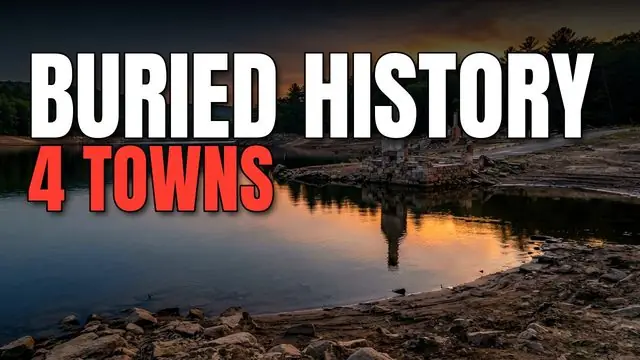
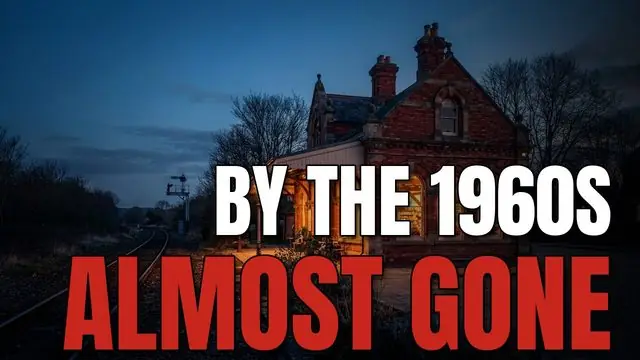
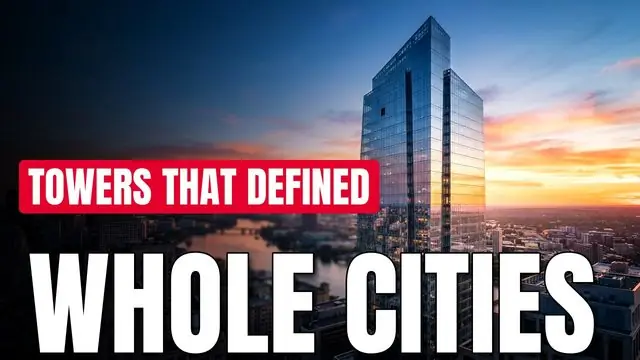
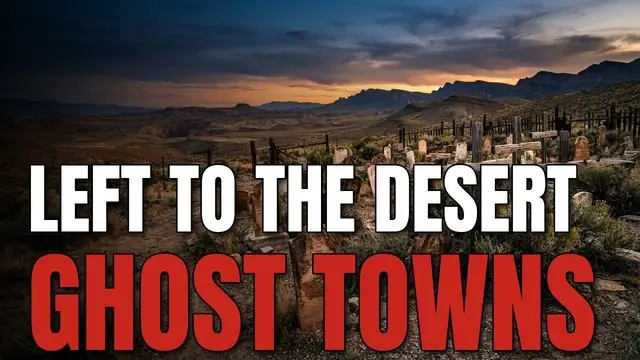
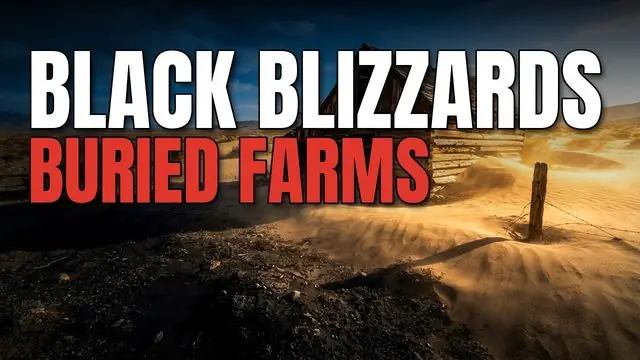
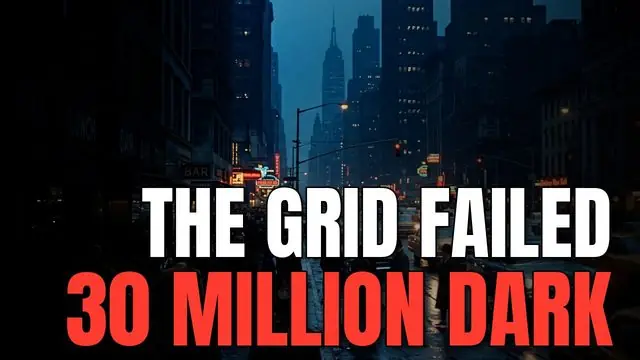
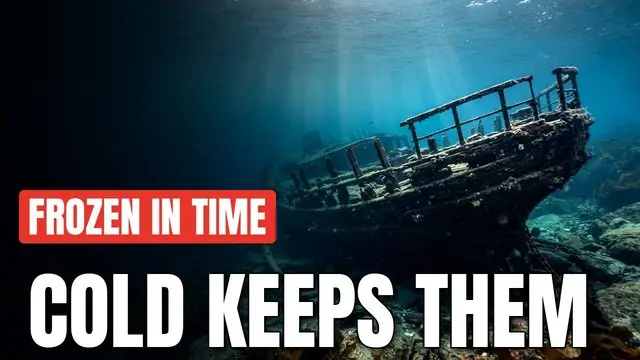

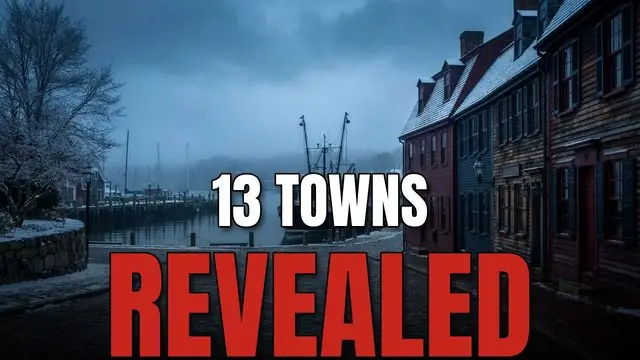
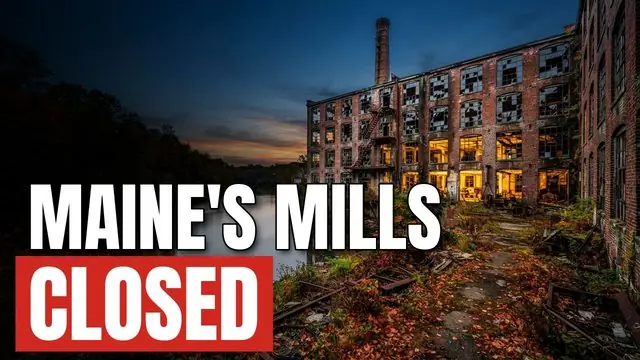
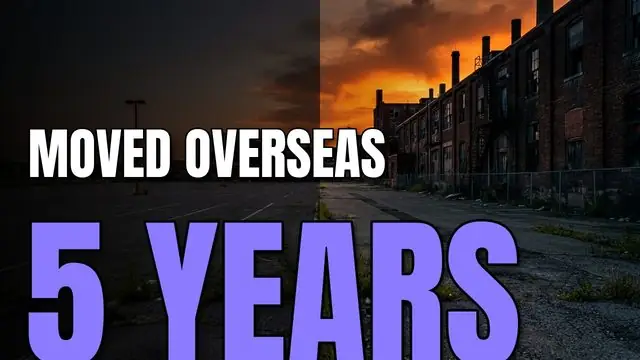
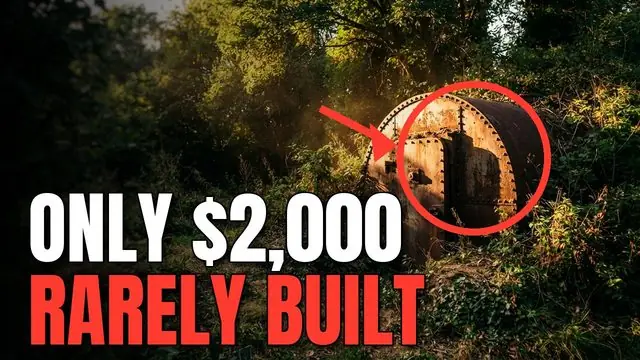
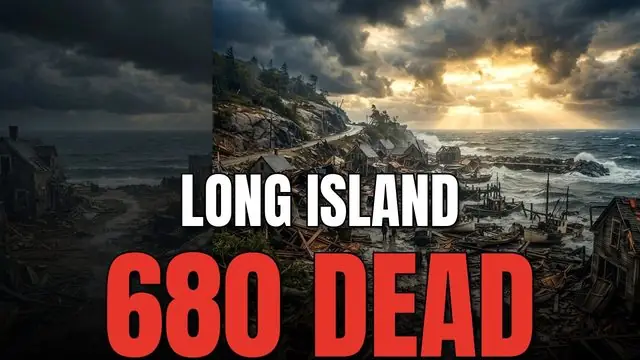
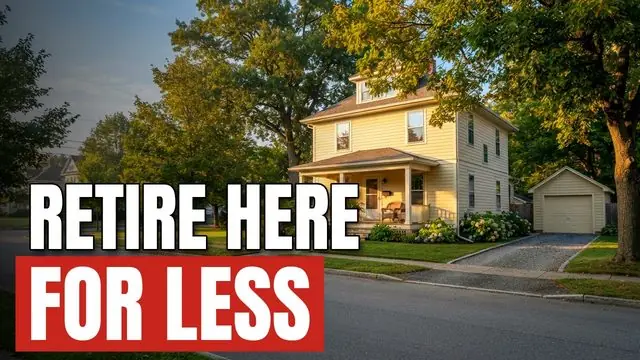
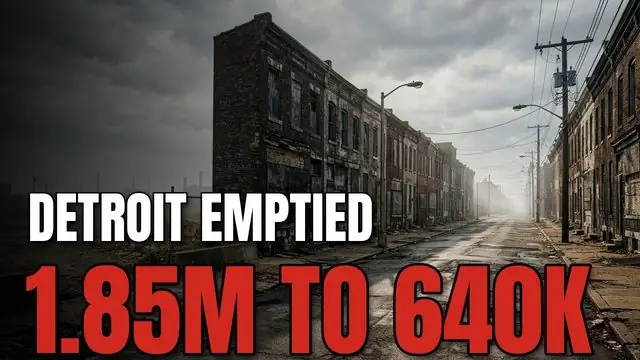
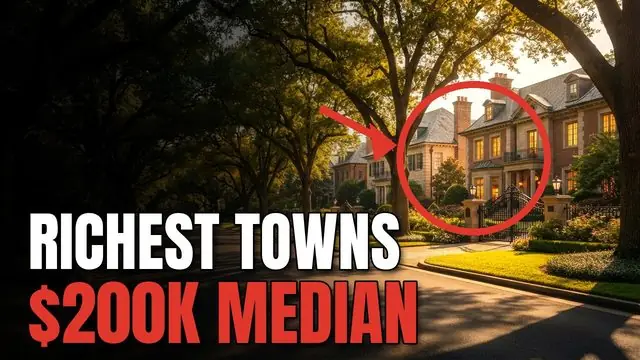
What comes out the other end
Chapters, photos, numbers and subtitles, cut to the narration. Hover to preview, click to watch with sound.
Unedited ViCut renders: narration, cuts, chapter titles, numbers, subtitles and music. Photos here are generated samples; in your videos they come from licensed archives and stock.
Documentaries from real footage
In English, Spanish or German, for any audience you name in the brief.
Not a fit yet: made-up stories, games and anime, “how it’s made” factory videos, reactions to other videos, videos for kids. ViCut warns you before you spend credits.
Four steps. You make the calls, ViCut does the editing.
Start with an idea or your voiceover
Type an idea and ViCut researches the facts and writes a script with a source for every figure. Or upload a narration you recorded. Pick length, voice and style; the cost shows before you start.
- Idea
- Voiceover
- 36 voices
- EN · ES · DE
Footage found, each shot with its license
ViCut searches Wikimedia Commons, Openverse, Pexels, Pixabay and USGS historical maps. Every shot carries its source and license. Photos of real people from news sites are marked, and one click swaps them for licensed alternatives. You can also search for another shot or upload your own.
- Commons
- Openverse
- Pexels
- Pixabay
- USGS
Review the storyboard
See every scene before render. Swap a shot, the music or the style. Shots ViCut isn’t sure about are flagged for review. Nothing is spent on rendering until you press Render.
- Swap shot
- Needs review
- Music
- Style
Render and get a YouTube pack
Download the MP4 and subtitles, plus thumbnails, a title, a description with chapters and footage credits, and tags, ready to paste into YouTube.
- MP4
- SRT
- Thumbnails
- Chapters
- Credits
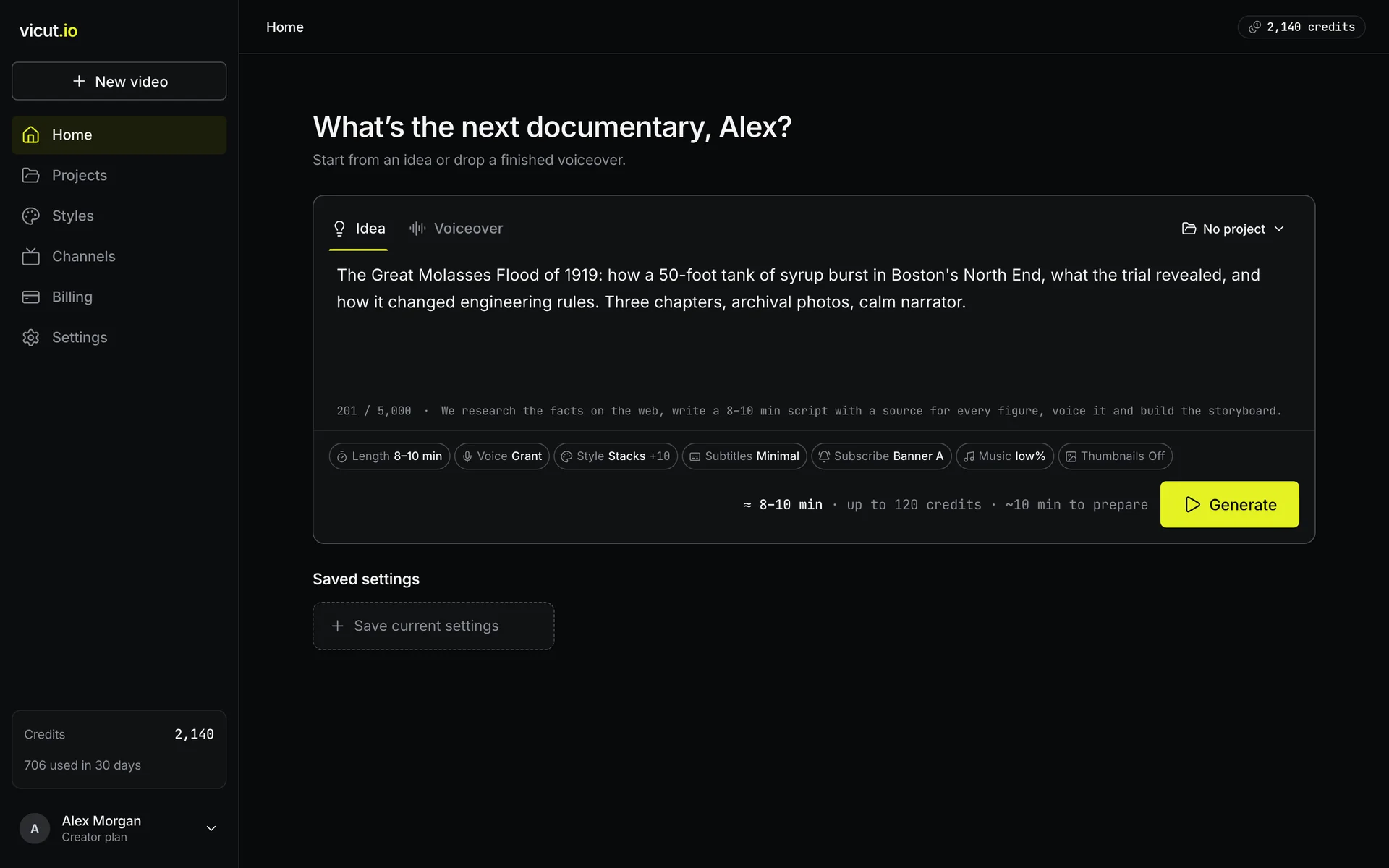
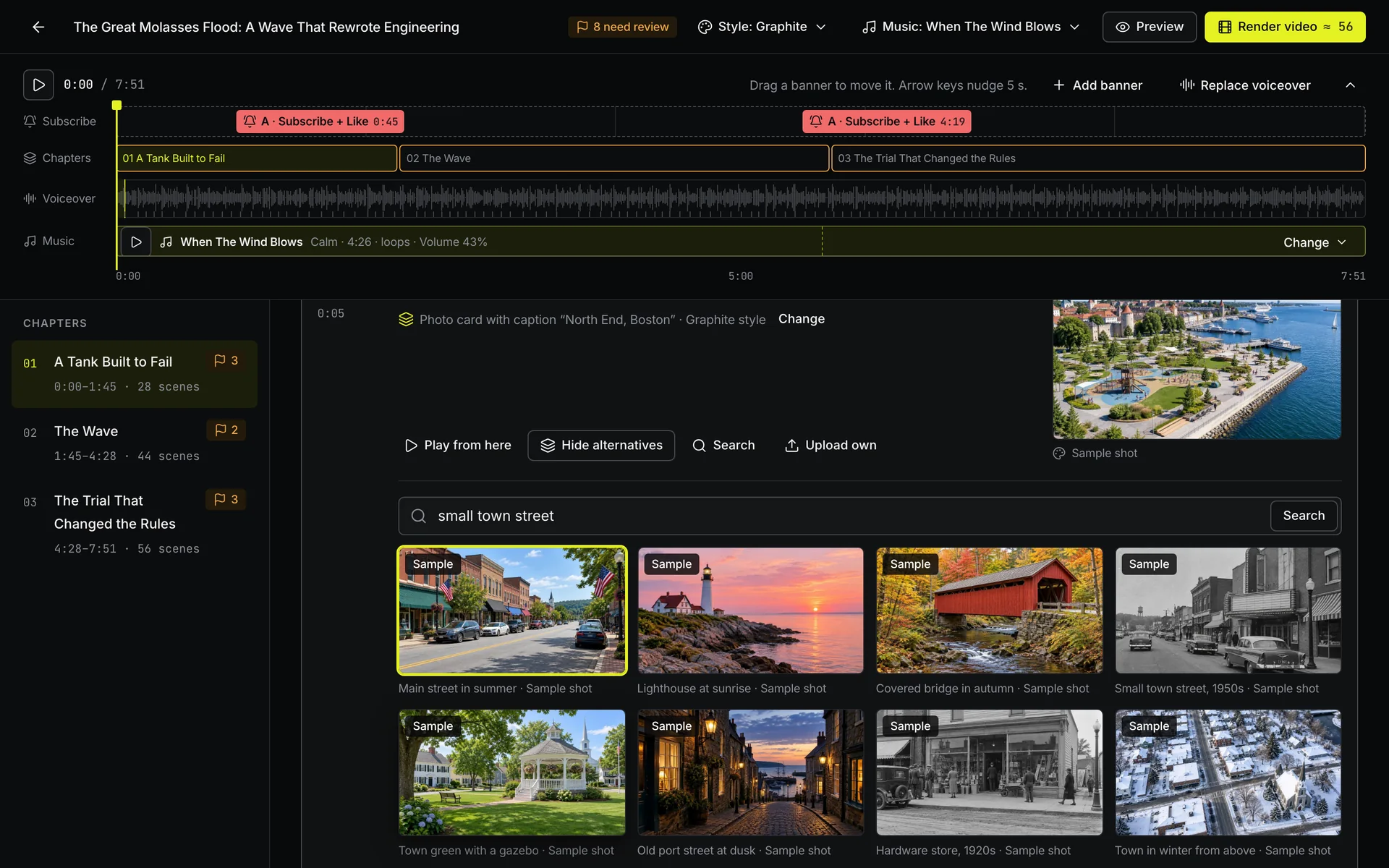
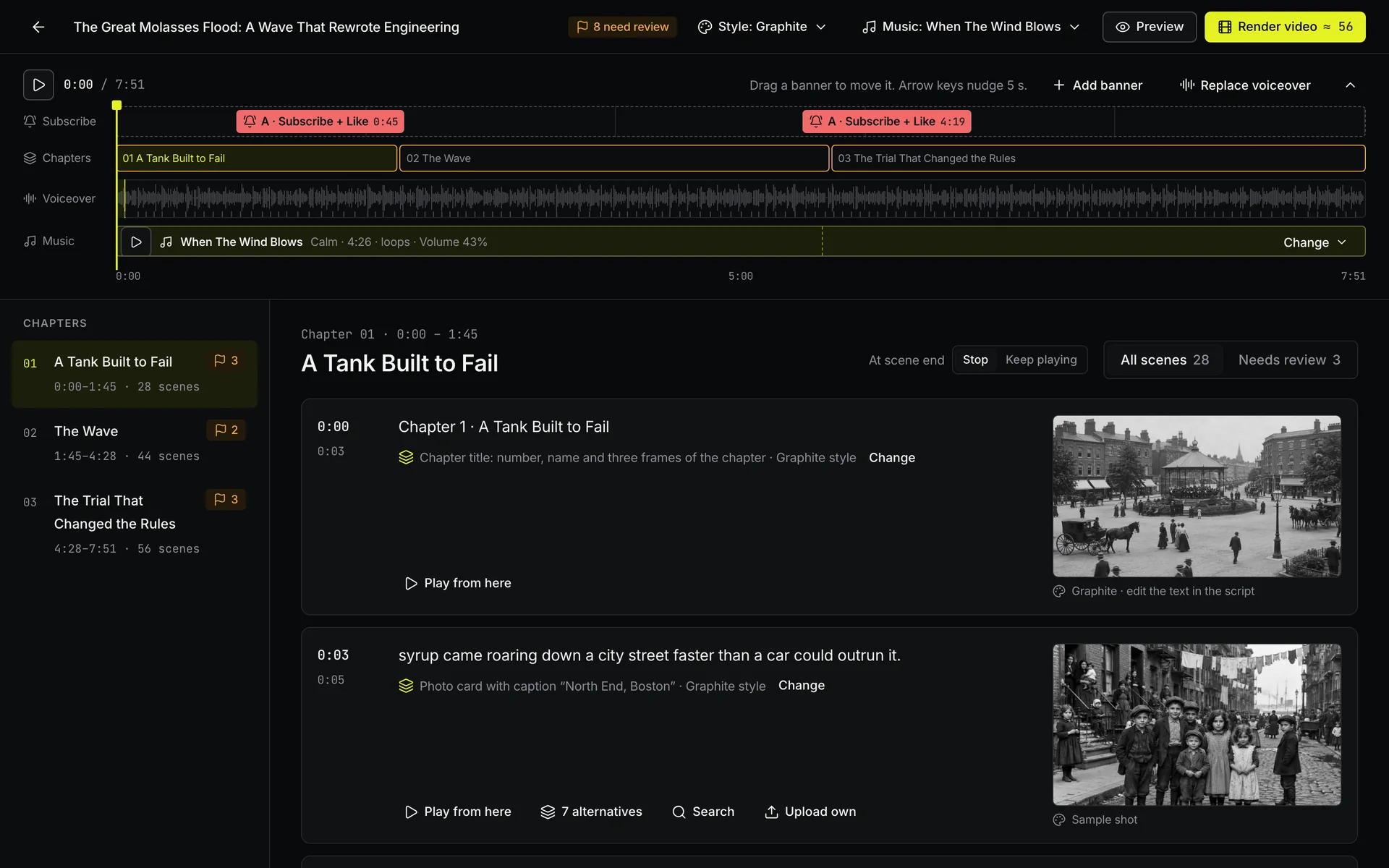
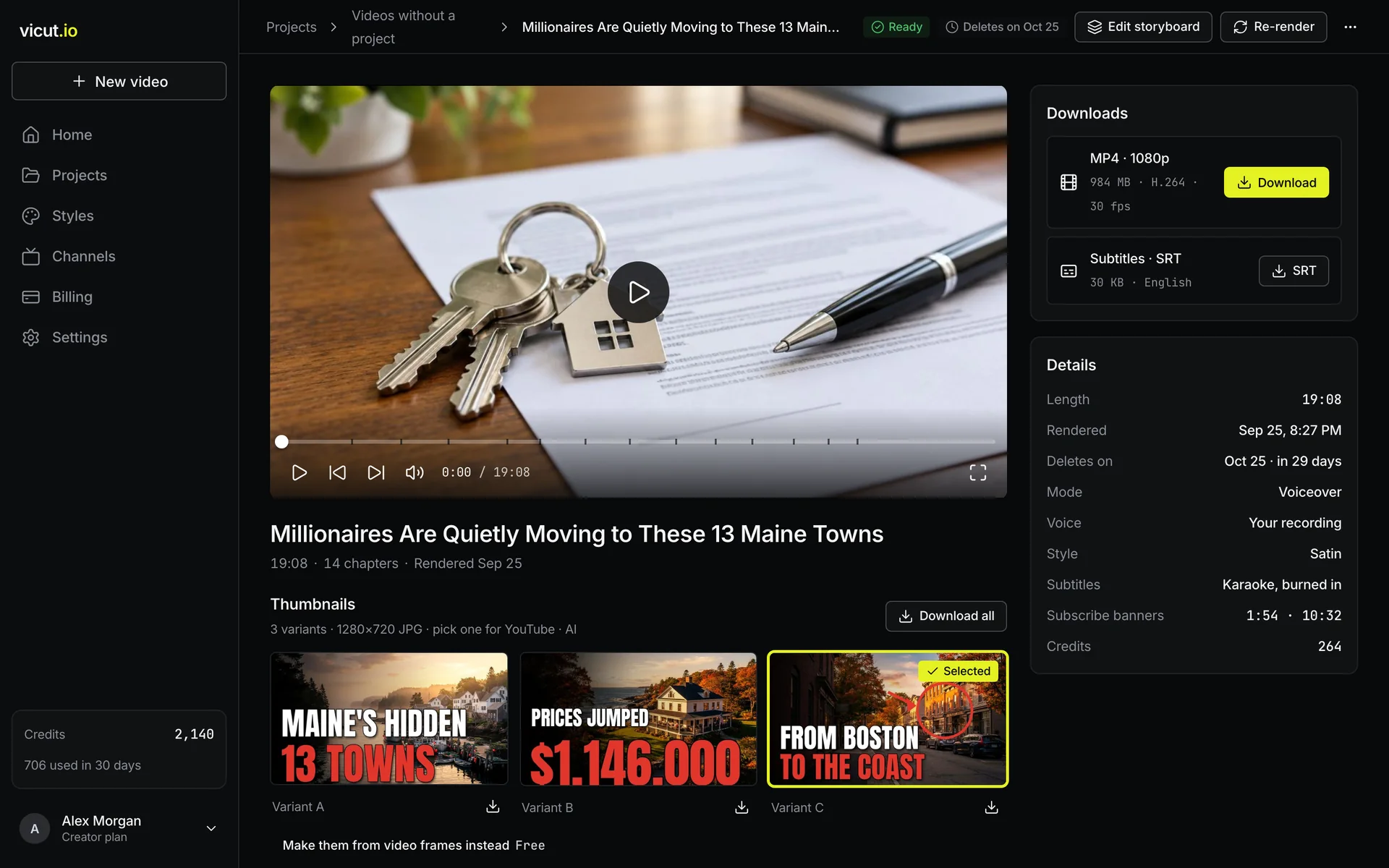
Don’t like a shot? Swap it before render.
ViCut shows every scene before render, with alternatives for each shot, its source and its license.

See every shot before you spend a credit on render.
Everything a documentary channel needs, in every video
Every shot shows its source
Stock and archive shots come from Wikimedia Commons, Openverse, Pexels, Pixabay and USGS historical maps, each with its license. Photos from news sites are marked “not licensed” and swap for licensed ones in one click.
36 AI voices, or your recording
English, Spanish or German. Pick a narrator or upload a voiceover you recorded. ViCut cuts it into scenes and matches footage to each one.
Subtitles
Burned in, timed to the narration, styled by the theme.
They moved to the coast the year they retired
Subscribe banner
Placed where you choose, animated in the theme’s style.
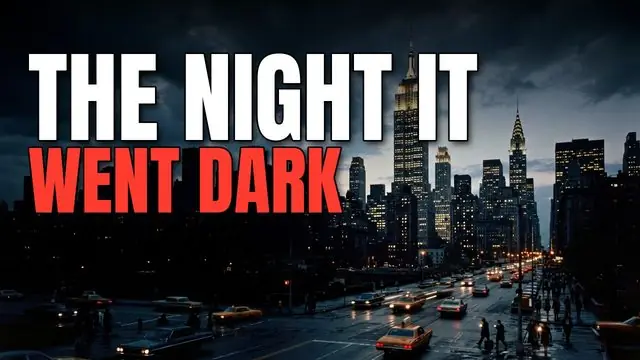
AI thumbnails
Three options per video, headline in your theme’s accent.
Music
Scored to the mood of each chapter.
YouTube pack
Title, description, chapters and footage credits, ready to paste.
Script from an idea
Every figure in the script links to its source.
8 to 35 minutes
Long-form by design. Set the length in the composer; the cost updates before you start.
Kept 30 days, on every plan
Download any time in that window. If a render fails, every credit comes back.
Eight looks. One will fit your channel.
Three looks come with every plan. Five premium looks add story graphics: charts, before-and-after and shares, drawn to the narration. Hover a card to play it.
Documentary default: towns, history, investigations
Cold War, crime, 20th-century news stories
Local history, family stories, heritage
Dollars per data-screen-label="17 Landing",000 of assessed value, 2023
Residents counted, 1950–2020
Residents in town
Share of jobs by sector, 2022
Economy, business, the fall of brands
Dollars per data-screen-label="17 Landing",000 of assessed value, 2023
Residents counted, 1950–2020
Residents in town
Share of jobs by sector, 2022
Archive history, maps, timelines
Dollars per data-screen-label="17 Landing",000 of assessed value, 2023
Residents counted, 1950–2020
Residents in town
Share of jobs by sector, 2022
Biographies, fortunes, grand estates
Dollars per data-screen-label="17 Landing",000 of assessed value, 2023
Residents counted, 1950–2020
Residents in town
Share of jobs by sector, 2022
Economy, tech companies, data stories
Dollars per data-screen-label="17 Landing",000 of assessed value, 2023
Residents counted, 1950–2020
Residents in town
Share of jobs by sector, 2022
Economy, business, design and architecture
What your channel costs to run
Set your pace. The comparison updates as you move the sliders.
Competitor prices from their public pricing pages, monthly billing, checked Oct 2, 2026. Hours with ViCut assume 30 minutes to review each storyboard.
Start with CreatorPay for finished minutes. Nothing else.
Every plan includes the three included themes, licensed footage, subtitles and 30-day storage. A failed render returns all its credits. Prices in USD; taxes and fees for your country are added at checkout.
- 1 project
- 1 channel
- Theme editor: your own colors and fonts
- 1080p export
- Licensed footage with credits
- Subtitles and subscribe banner
- Thumbnails from video frames
- 36 AI voices in English, Spanish and German, or your recording
- 2 GB for your uploads
- Everything in Starter
- Unlimited projects
- 3 channels
- 10 GB for your uploads
- Everything in Creator
- Priority rendering
- Unlimited channels
- 30 GB for your uploads
Questions before you start
Can I monetize these videos? Will YouTube see them as reused content?
Each video is a new edit: a script written for your topic, narration, and footage chosen and cut for each scene, with titles, maps and charts made for it. YouTube reviews channels, not tools, so your own angle matters: your script or your voice makes a channel stronger. We can’t promise monetization; nobody honestly can.
Can I change a shot before the video renders?
Yes. The storyboard shows every scene before anything renders. For each one you can pick a licensed alternative, search stock and archives or the whole web, or upload your own photo or clip. Nothing renders until you press Render.
Who owns the rights to the footage?
Stock and archive footage comes from licensed sources: Wikimedia Commons, Openverse, Pexels, Pixabay and USGS historical maps. Real photos of people and events can also come from news and reference sites; those are not licensed to you, the storyboard marks each one, and one click swaps them for licensed alternatives. Every shot keeps its source, and the YouTube pack lists the credits to paste into your description.
What if a video gets a copyright claim?
Every shot keeps its source and license, so you can show where each clip came from when you dispute a claim. Shots you keep from news sites or upload yourself are your responsibility. To stay safe, swap them for licensed shots on the storyboard before you render.
How long can a video be?
From 8 to 35 minutes. You set the length in the composer and see the cost before you start.
How long does a render take?
It depends on the length of the video. Rendering runs in the background, so you can close the tab; the render screen shows an estimate.
What happens to my credits if a render fails?
All credits for that render are returned to your balance automatically.
How long are my videos stored?
30 days after each render, on every plan. Download the MP4 and the YouTube pack any time in that window. Videos nobody opens for 14 days are cleaned up: drafts are deleted, rendered videos keep the MP4 until its date but can’t be edited any more. We email you 3 days before.
How much can I upload?
Your voiceovers and your own photos and clips: 2 GB on Starter, 10 GB on Creator, 30 GB on Studio, up to 100 MB a file. When the space is full, new uploads wait until you delete old videos or upgrade; nothing is deleted.
Can I cancel my subscription?
Yes, any time from Billing. Your plan stays active until the end of the period you paid for.
Which languages are supported?
English, Spanish and German: the script, the AI narration (36 voices) and the subtitles. You can also upload your own voiceover in any of these languages.