On this page
AI video tools fill videos with four kinds of footage: clips they generate, licensed stock, public-domain and openly licensed archives, and clips found on the open web. The first three come with clear rights. The fourth belongs to someone else.
Before you pay, ask where the footage comes from, whether each shot has a licence, and whether you can see and swap every shot before render. A tool that answers “we find it online” leaves the copyright risk with your channel.
Keep the source of every shot and put the credits in the description: that is your evidence if a Content ID claim arrives.
Know the four kinds of footage
AI-generated clips are made by the tool and usually belong to you under its terms. Licensed stock comes from libraries like Pexels, Pixabay or paid catalogues. Public-domain and Creative Commons material comes from archives such as Wikimedia Commons, Openverse and government agencies. The fourth kind is anything a tool finds on the open web: news photos, other channels’ clips, film and TV.
Only the fourth kind has an owner who never agreed to your use.
| Kind | Who owns it | Claim risk |
|---|---|---|
| AI-generated clips | Usually you, by the tool’s terms | Low |
| Licensed stock | The library; you get a licence | Low |
| Public domain and open licences | Nobody, or the author with a CC licence | Low, with credits |
| Clips found on the web | The site, channel or photographer | High |
Ask the tool where its footage comes from
A tool built on licensed sources names them on its site or in its help pages. If you can’t find the names, ask support before you subscribe.
Vague answers like “real footage” or “anything online” mean the tool doesn’t control the rights, so you carry them.
Check the licence of each shot, not the tool’s promise
A licence belongs to a shot, not to a tool. Good tools show the source and licence next to every shot, so you can check a single frame without opening a support ticket.
ViCut shows the source and licence on every scene of the storyboard, and marks photos from news sites as not licensed.
Read Creative Commons licences carefully
Not every open licence fits a monetized YouTube video. CC BY and CC BY-SA allow commercial use and editing as long as you credit the author. Non-commercial (NC) licences rule out a monetized channel, and no-derivatives (ND) rule out cropping and cutting.
ViCut only uses public domain, CC0, CC BY and CC BY-SA, and leaves NC and ND out.
Treat “found online” as a risk, not a feature
A photo on a news site belongs to the site or its photographer. Using it in a video may be fair use in some cases, but fair use is a defence decided case by case, not a licence. Clips from films, TV and other channels are also the fastest way to a reused-content rejection.
If a tool pulls photos from the web, it should say so and mark them, so you decide shot by shot.
| What you hear | What it means |
|---|---|
| “Real footage from the web” | Clips with an owner you don’t know |
| “Fair use” | A defence decided case by case, not a licence |
| “No copyright issues” | A promise the tool can’t make for someone else’s clip |
See every shot before render
One-click tools render without showing you the footage. You only find a wrong or risky shot after it’s in the video, or after a claim.
A storyboard step lets you look at every scene first: keep it, pick an alternative, search for another or upload your own. In ViCut nothing renders until you press Render, and one button swaps the unlicensed photos for licensed alternatives.
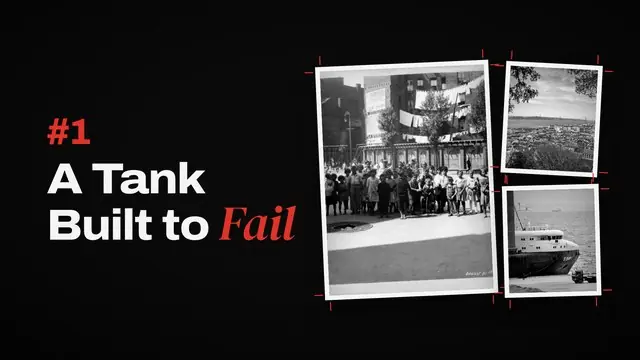
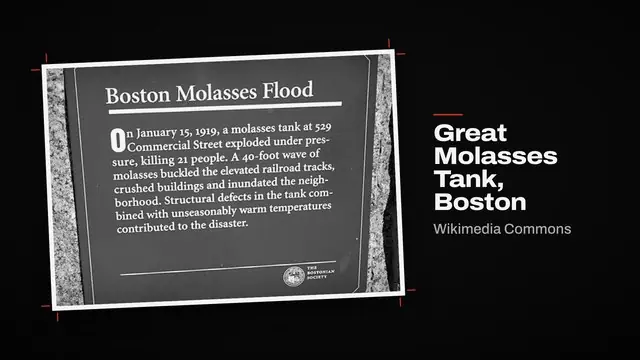
Chapter 1 · A Tank Built to Fail
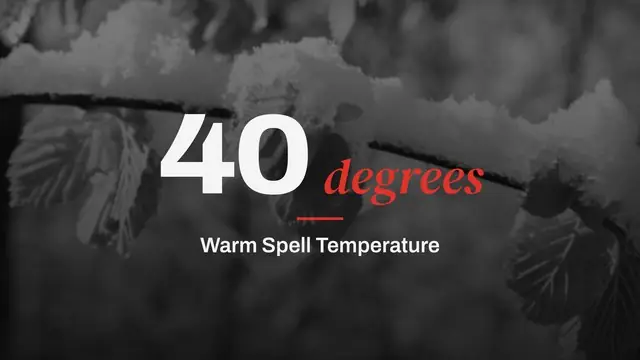
Chapter title · Graphite styleOn a warm January morning, the tank on Commercial Street gave way.
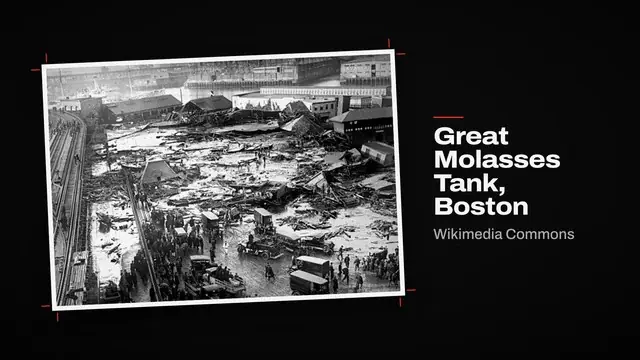
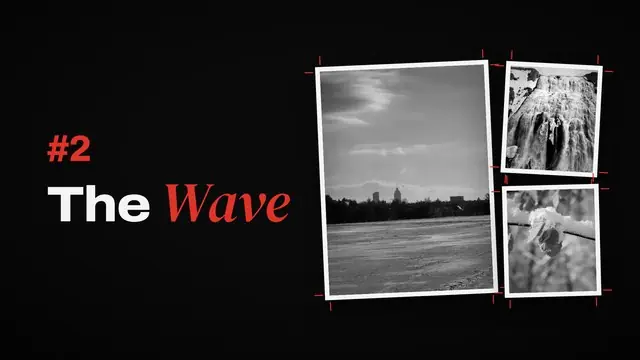
Wikimedia Commons · Public domain Wikimedia Commons · Public domainSwappedWithin seconds, a wave of molasses up to 25 feet high rolled through the North End.
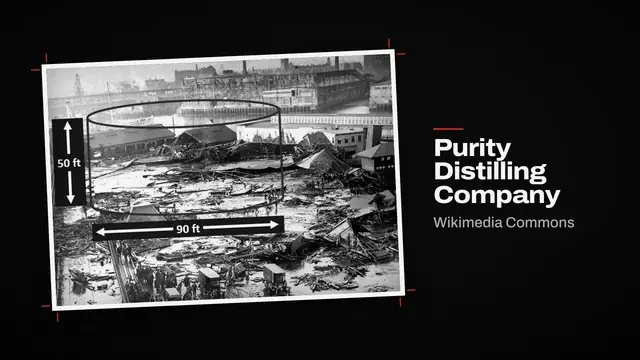
Needs reviewWikimediaWikimediaWikimediaPexelsKeep the sources and credit them
CC BY and CC BY-SA require a credit, and Pexels asks for one. Put the credits in the video description and keep the list of sources for every video.
ViCut’s YouTube pack writes the credits each licence asks for into the description, and every shot keeps its source.
If a claim arrives, know claim from strike
A Content ID claim lets the owner take the ad money or block the video; it doesn’t hurt the channel by itself. If your shot is licensed, dispute the claim in YouTube Studio with the source and licence.
A copyright strike follows a takedown request and removes the video. Three active strikes within 90 days end the channel, so replace any shot you can’t back up before you publish.
| Content ID claim | Copyright strike | |
|---|---|---|
| What happens | Ads go to the owner, or the video is blocked | The video is removed |
| How to answer | Dispute in YouTube Studio | Counter notification or retraction |
| Channel risk | None by itself | 3 active strikes in 90 days end the channel |
Footage mistakes that cost channels money
- 01Trusting “royalty-free” on a clip with no source
Royalty-free is a licence term, not a fact. Without a named source there’s nothing to show when a claim comes.
- 02Using NC-licensed photos on a monetized channel
Non-commercial licences don’t cover a channel that earns from ads.
- 03Skipping the credits
CC BY and CC BY-SA require them. Missing credits break the licence you’re relying on.
- 04Rendering without looking
A wrong shot is cheap to swap on a storyboard and expensive to fix after a claim.