Script to video AI for YouTube
Paste the script you wrote. ViCut narrates it with an AI voice, finds a real, licensed shot for every sentence and cuts a YouTube documentary up to 35 minutes long. You approve every shot.
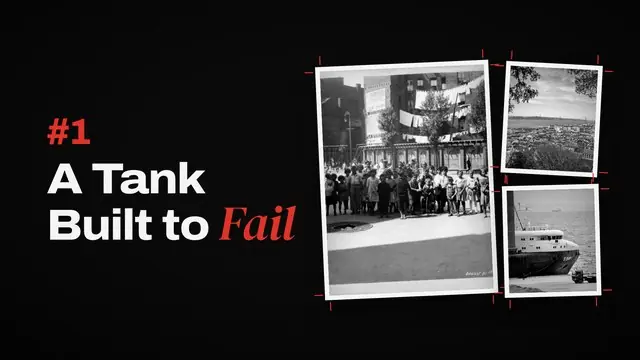
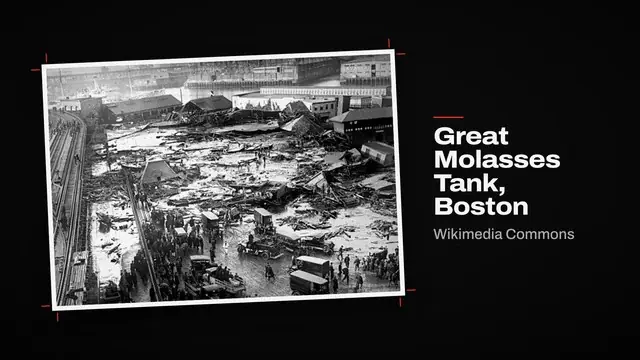
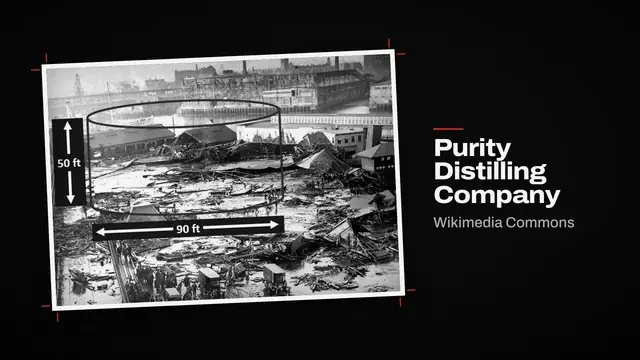
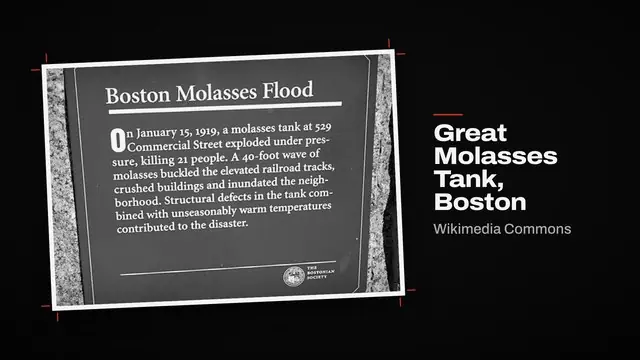
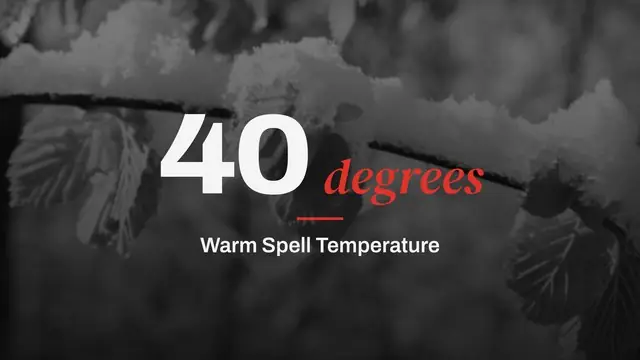
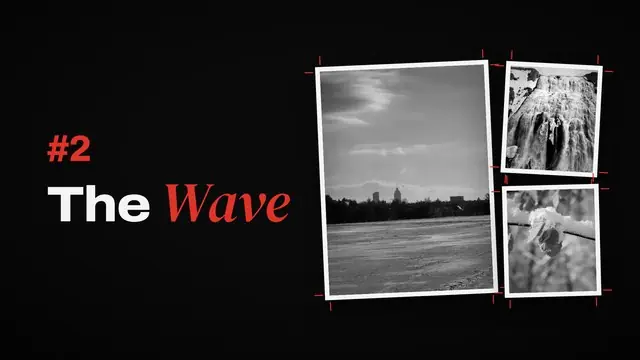
Chapter 1 · A Tank Built to Fail
Chapter title · Graphite styleOn a warm January morning, the tank on Commercial Street gave way.
Wikimedia Commons · Public domain Wikimedia Commons · Public domainSwappedWithin seconds, a wave of molasses up to 25 feet high rolled through the North End.
Needs reviewWikimediaWikimediaWikimediaPexels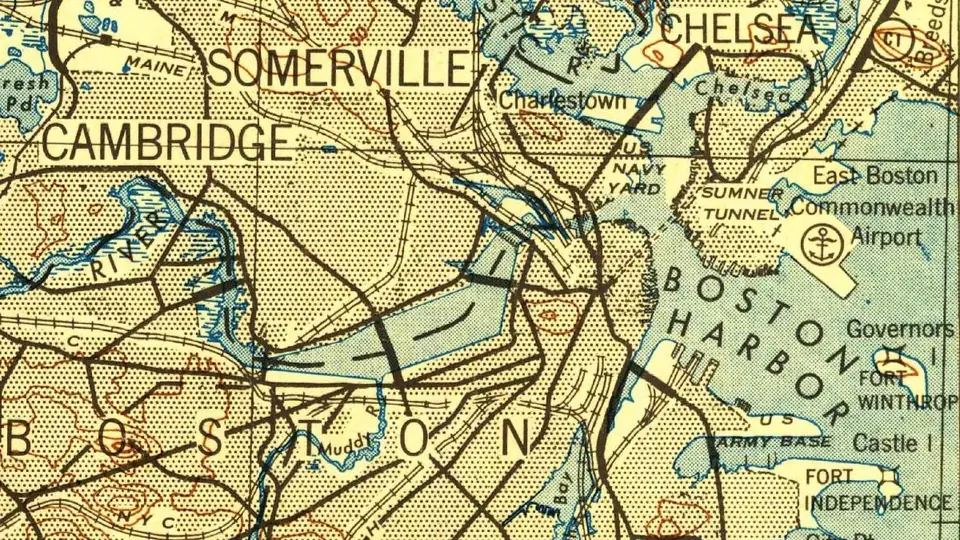
How to turn a script into a video in 4 steps
Paste your script
Paste the narration in English. The counter shows the word count and the voiced length: about 148 words make one minute.
What’s the next documentary?
Pick and preview a voice
Choose an AI narrator and listen to it before you build. Prefer your own voice? Switch to Voiceover and upload the recording.
Review the shots
ViCut splits the script into scenes and finds a photo, map or clip for each sentence, with its source and licence. Swap any shot.
Chapter 1 · A Tank Built to Fail
Chapter title · Graphite styleOn a warm January morning, the tank on Commercial Street gave way.
Wikimedia Commons · Public domain Wikimedia Commons · Public domainSwappedWithin seconds, a wave of molasses up to 25 feet high rolled through the North End.
Needs reviewWikimediaWikimediaWikimediaPexelsRender and publish
Download the MP4, subtitles, thumbnail options and the YouTube pack with title, chapters and credits.
Boston Molasses Flood plaque · Wikimedia Commons · CC BY-SA 4.0
+ 42 more
7:51Your words, matched shot by shot
What ViCut does with your script
- Narrates your textViCut doesn’t write a new script. It voices yours and splits it into scenes, one sentence at a time.
- A shot for every sentenceThe places, people and dates you name become searches for photos, maps and archive footage.
- Source and licence on every shotWikimedia Commons, Openverse, Pexels, Pixabay and USGS maps. Credits go into the YouTube description.
When another tool fits better
- Animated and fictional storiesMade-up characters and worlds have no real footage to show.
- Presenter and avatar videosViCut makes narrated documentaries, not videos with a person on camera.
For these, a tool built on AI generation is the better pick. Compare AI video tools →
Scripts ViCut turns into videos
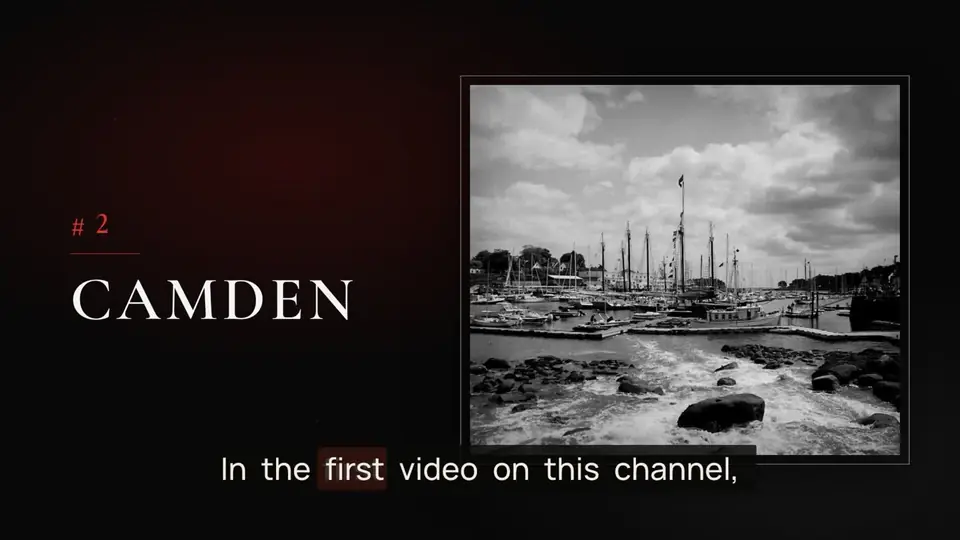
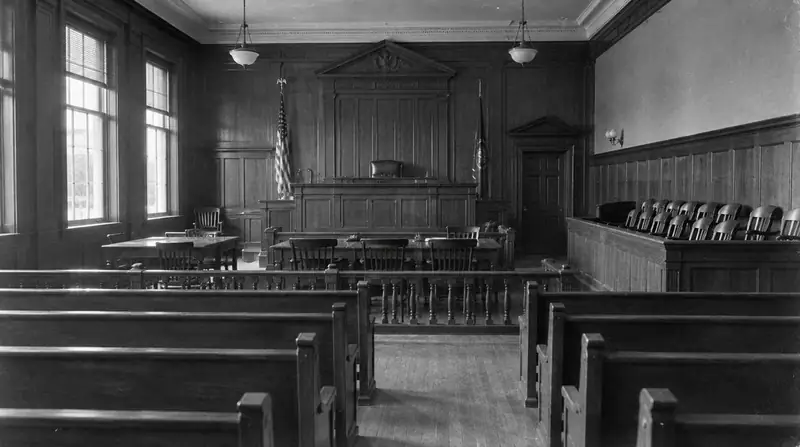

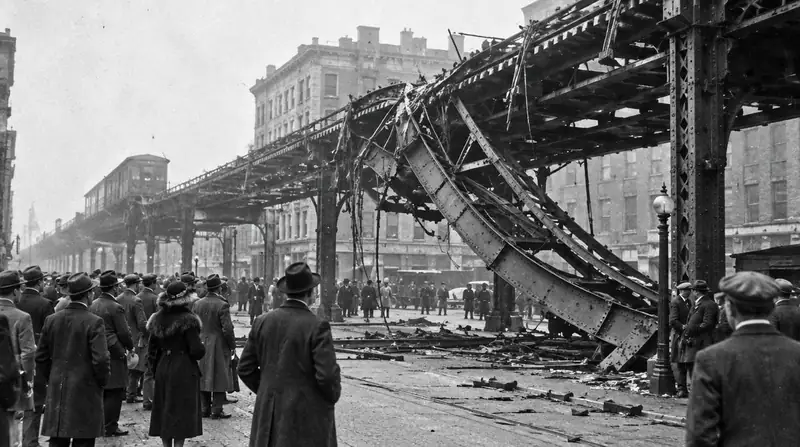




Everything your script needs to go live
Chapters, narration and a source for every figure.
Pick a voice or upload your narration; ViCut cuts to it.
Historical maps, numbers and timelines drawn in your style.
Burned in or as an SRT file.
Options made from the video’s own frames.
Title, description with chapters, credits and tags.
Watch what ViCut makes
Frames from real ViCut renders: narration, footage, chapter cards and subtitles as they come out of the render.
From $0.42 per finished minute. A 20-minute video uses 20 minutes of your plan.
See pricingQuestions about script to video
How do I turn a script into a video with AI?
Paste the script into ViCut’s Script mode, pick and preview a voice, and build. ViCut narrates the text, finds a licensed photo, map or clip for each sentence and shows you the storyboard. Swap any shot, then render the MP4 with subtitles and the YouTube pack.
Will ViCut change my script?
No. In Script mode ViCut voices your text and builds the storyboard from it. If you want ViCut to research and write the script for you, start from an idea instead.
How long can the video be?
About 148 words make one minute of narration, so 1,500 words is roughly 10 minutes. Videos can run up to 35 minutes.
Can I use my own voice instead of an AI voice?
Yes. Record your narration and upload it in Voiceover mode; ViCut cuts the video to your recording.
Which languages does Script mode support?
Scripts in English. Videos from an idea or from your own voiceover also work in Spanish and German.