Voiceover to video AI for YouTube
Upload the narration you recorded. ViCut cuts a YouTube documentary to your voice, finds a real, licensed shot for every sentence and adds subtitles from your own words. You approve every shot.
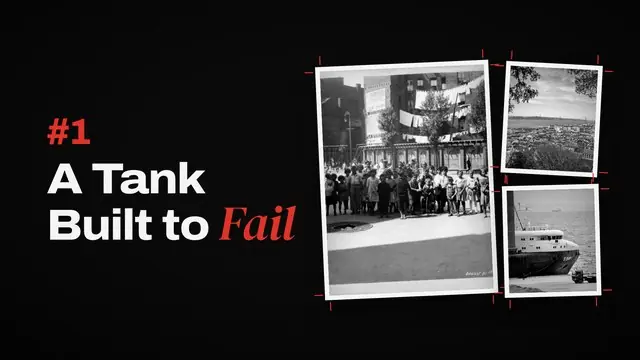
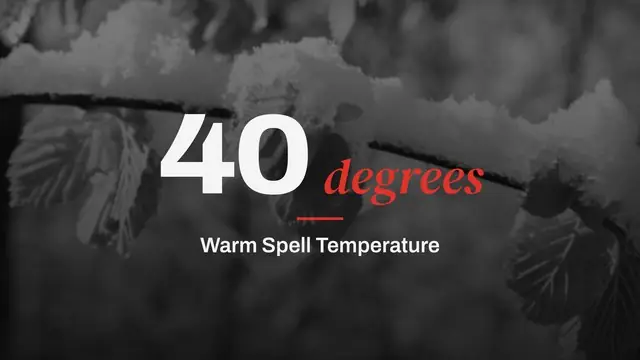
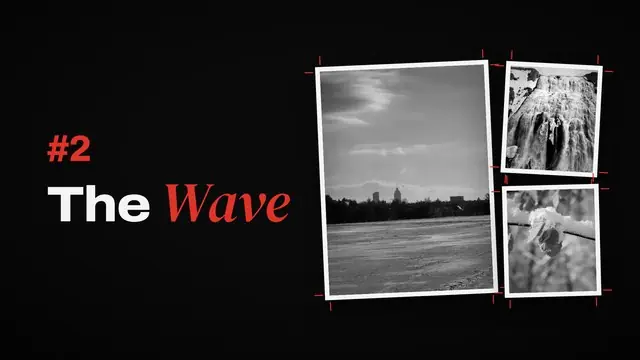
Chapter 1 · A Tank Built to Fail
Chapter title · Graphite styleOn a warm January morning, the tank on Commercial Street gave way.
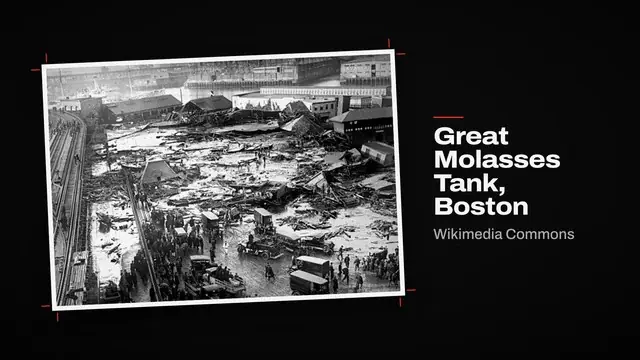
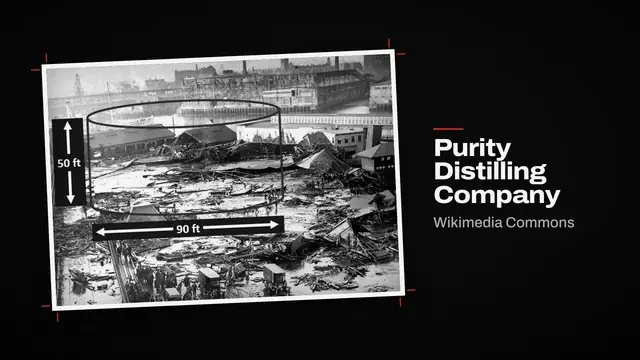
Wikimedia Commons · Public domain Wikimedia Commons · Public domainSwappedWithin seconds, a wave of molasses up to 25 feet high rolled through the North End.
Needs reviewWikimediaWikimediaWikimediaPexels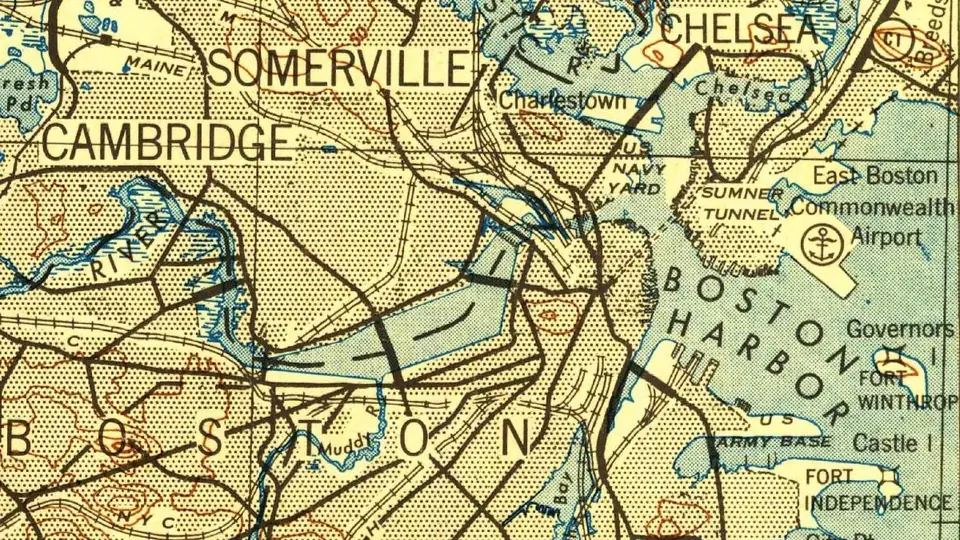
How to turn a voiceover into a video in 4 steps
Upload your voiceover
Drop an MP3, WAV or M4A narration, 3 to 35 minutes long. ViCut detects the language: English, Spanish or German.
What’s the next documentary?
Get scenes cut to your voice
ViCut transcribes the recording word by word and splits it into scenes, so each shot changes with the sentence it shows. Paste your transcript if you want the subtitles word-perfect.
Review the shots
Every sentence gets a photo, map or clip with its source and licence. Swap any shot before render.
Chapter 1 · A Tank Built to Fail
Chapter title · Graphite styleOn a warm January morning, the tank on Commercial Street gave way.
Wikimedia Commons · Public domain Wikimedia Commons · Public domainSwappedWithin seconds, a wave of molasses up to 25 feet high rolled through the North End.
Needs reviewWikimediaWikimediaWikimediaPexelsRender and publish
Download the MP4 with your narration, subtitles timed to your words, thumbnail options and the YouTube pack.
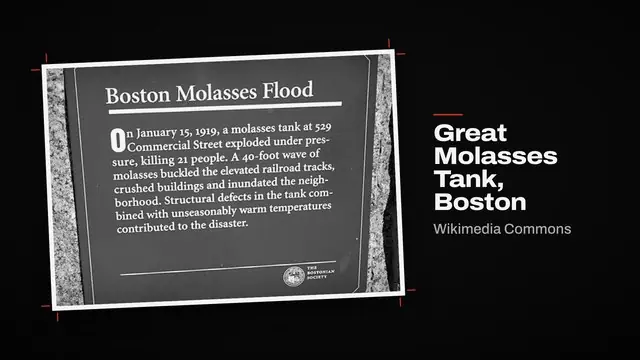
Boston Molasses Flood plaque · Wikimedia Commons · CC BY-SA 4.0
+ 42 more
7:51Your narration, exactly as recorded
What ViCut does with your recording
- Keeps your voiceViCut doesn’t re-voice or rewrite your narration. The video is cut to the recording you upload.
- Subtitles from your wordsWord timings from the recording place the subtitles and the scene changes.
- Source and licence on every shotWikimedia Commons, Openverse, Pexels, Pixabay and USGS maps. Credits go into the YouTube description.
When another tool fits better
- Talking avatars and lip syncViCut shows footage over your narration; it doesn’t animate a presenter saying your words.
- Music videosA song needs visuals cut to the beat, not shots that illustrate sentences.
For these, a tool built on AI generation is the better pick. Compare AI video tools →
Voiceovers ViCut turns into videos
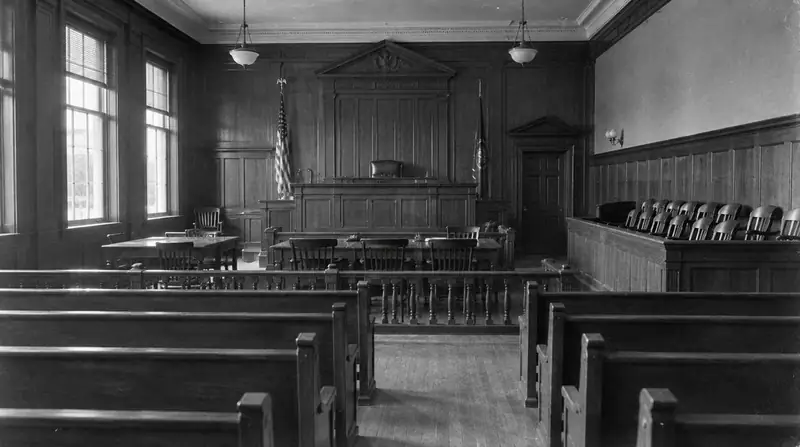

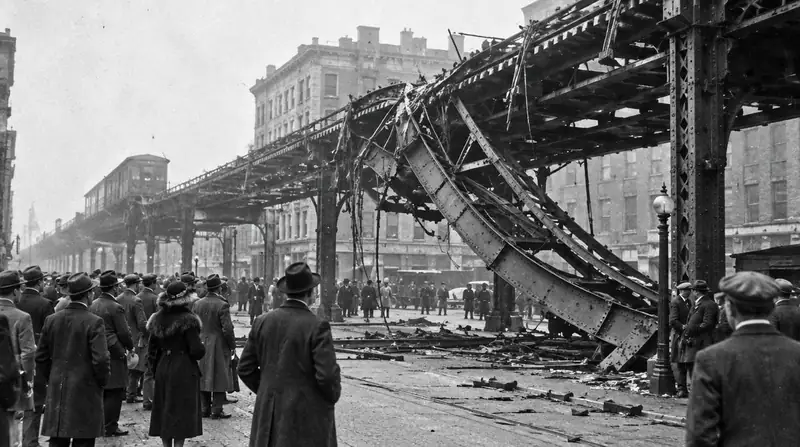
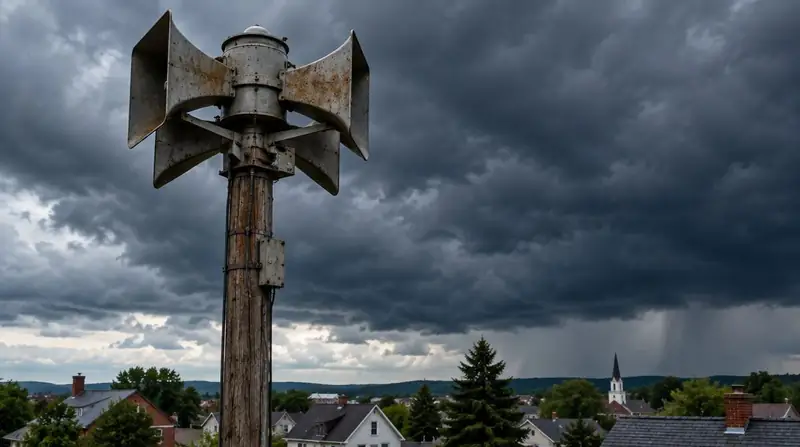

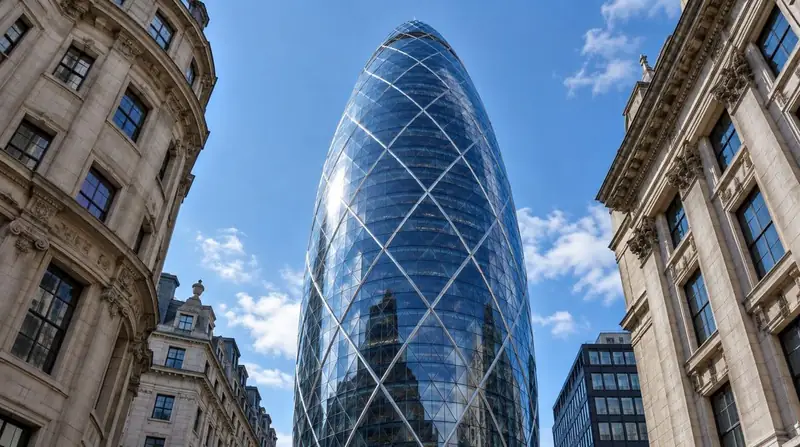
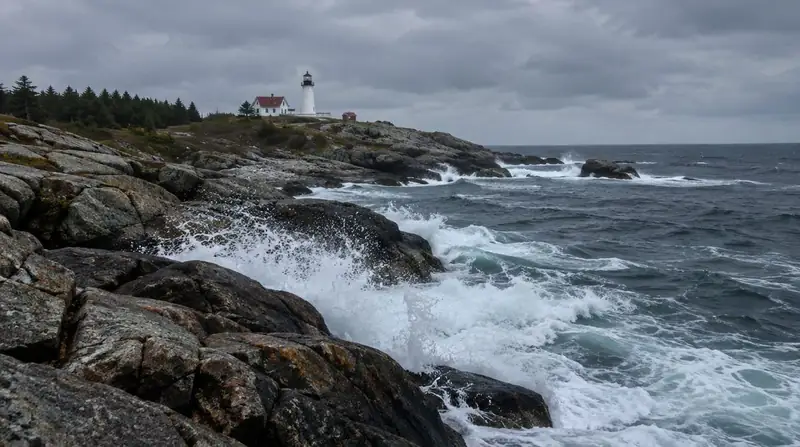

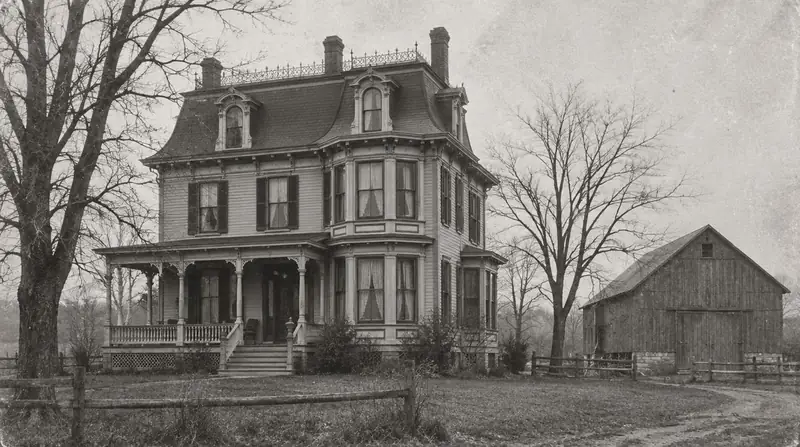
Everything your voiceover needs to go live
Chapters, narration and a source for every figure.
Pick a voice or upload your narration; ViCut cuts to it.
Historical maps, numbers and timelines drawn in your style.
Burned in or as an SRT file.
Options made from the video’s own frames.
Title, description with chapters, credits and tags.
Watch what ViCut makes
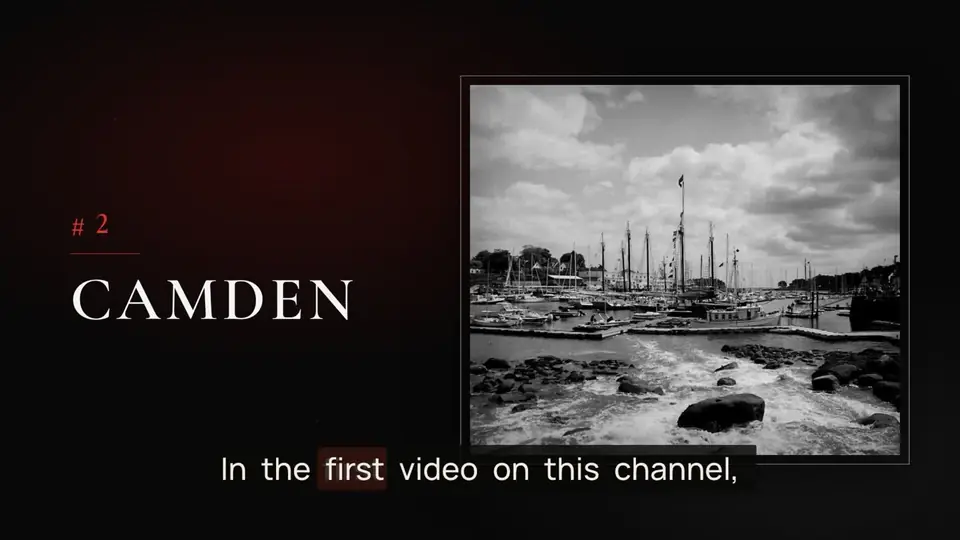
Frames from real ViCut renders: narration, footage, chapter cards and subtitles as they come out of the render.
From $0.42 per finished minute. A 20-minute voiceover uses 20 minutes of your plan.
See pricingQuestions about voiceover to video
How do I turn a voiceover into a video with AI?
Upload your narration in ViCut’s Voiceover mode. ViCut transcribes it, splits it into scenes, finds a licensed photo, map or clip for each sentence and shows you the storyboard. Swap any shot, then render the MP4 with subtitles and the YouTube pack.
Which audio files can I upload?
MP3, WAV, M4A, AAC, FLAC or OGG, from 3 to 35 minutes long.
Which languages are supported?
English, Spanish and German. ViCut detects the language of your recording.
Do I need to upload a transcript?
No. ViCut transcribes the recording itself. If you paste the exact words you spoke, subtitles and scene changes line up more precisely.
Will ViCut change my voice?
No. Your recording is the narration of the video. If you want, you can replace it with an AI voice later in the storyboard.